Buying a License on Go Outdoors SC
Navigating the labyrinth of hunting license requirements can be a real headache, especially when you're just trying to get out into the South Carolina woods or marshes. The official Go Outdoors SC website is your primary portal for purchasing everything you need, but the online process can sometimes feel less intuitive than it should be. This comprehensive guide will walk you through every step of using Go Outdoors SC, from setting up your account to understanding specific permits, ensuring you're fully legal and ready for your next adventure.
Understanding the South Carolina Hunting License System
Before you even think about clicking "add to cart," it's crucial to grasp the basics of how South Carolina structures its hunting licenses and permits. It's not just a one-size-fits-all deal, and understanding the nuances will save you a lot of frustration down the road.
Why Online is the Way to Go
In this day and age, buying your hunting license online through Go Outdoors SC isn't just a convenience; it's often the most efficient and accurate way to ensure you have all your ducks in a row. Gone are the days of driving to a rural general store only to find they're out of stock or their system is down. The online portal is available 24/7, meaning you can purchase your license the moment you realize you need it, even if that's at 10 PM the night before opening day. It also creates an immediate digital record, which is incredibly helpful for future renewals or if you ever need to retrieve proof of purchase. Plus, the system is designed to guide you through the necessary permits based on your residency and intended hunting activities, reducing the chance of overlooking a critical endorsement. While you can still visit authorized vendors, the online system usually offers the most comprehensive and up-to-date options without the added travel time.
It's also worth noting that the online system seamlessly integrates with other essential functions, such as reporting your harvest. Once you've purchased your license and tags, that information is already tied to your profile, streamlining the reporting process if you're lucky enough to harvest a deer or turkey. This integration helps the SCDNR maintain accurate harvest data, which is vital for wildlife management decisions. For anyone serious about hunting in South Carolina, mastering the online portal is a fundamental skill that pays dividends in both convenience and compliance. It’s the modern gateway to participating responsibly in the state’s rich hunting traditions.
Key License Types You'll Encounter
South Carolina's hunting licenses can be broken down into a few core categories, primarily based on your residency and the type of game you intend to pursue. At the very least, most hunters will need a basic hunting license, often referred to as the "base license." This allows you to hunt small game like squirrels and rabbits. However, if you're chasing bigger game like deer or turkey, you'll need additional permits. For example, a "Big Game Permit" is mandatory for deer, turkey, and bear hunting, regardless of your residency status. This permit essentially adds the privilege of pursuing these species to your base hunting license.
Beyond the basic hunting license and big game permit, there are also "WMA Permits" for those who plan to hunt on Wildlife Management Areas, which include public lands like the national forests. Many of South Carolina's most popular hunting spots fall under WMA regulations, so if you're planning to hunt public land in South Carolina, this permit is non-negotiable. Furthermore, specific species, like migratory birds, often require additional state and federal stamps or certifications, such as the Migratory Bird Permit and the Federal Duck Stamp. Understanding these layered requirements is key to avoiding an unexpected fine from a game warden. Take your time to review all your options, especially if you're new to hunting in the state, to ensure you're covered for every species and location you plan to hunt. You can explore a detailed breakdown of specific costs and requirements in our article on South Carolina Resident Hunting License Options and South Carolina Nonresident Hunting License Options.
Step-by-Step Guide to Using Go Outdoors SC
The Go Outdoors SC platform is designed to be user-friendly, but like any online system, it can have its quirks. We'll walk through the process from start to finish to ensure a smooth experience.
Creating Your Hunter Profile
The very first step for any new user on Go Outdoors SC is creating a hunter profile. Think of this as your digital identity within the South Carolina Department of Natural Resources (SCDNR) system. You'll need to provide essential personal information, including your full legal name, date of birth, physical address, and contact details. It's vital to input this information accurately, as it will be tied to all your future license purchases and harvest reports. The system typically uses your driver's license number or state ID as a primary identifier, so have that handy. Once your profile is set up, you'll create a username and password. Make sure these are secure and easy for you to remember, as you'll be returning to this portal annually.
During this initial setup, the system might also prompt you about your hunter education status. If you've completed a hunter education course, you'll need to provide proof or the certificate number. If you haven't, and you're over the age of 16, you might need to consider an South Carolina Apprentice Hunter License Rules or complete the South Carolina Hunter Education Requirements before purchasing certain types of licenses. It’s all part of building a complete and compliant hunter profile. This profile will be your hub for everything from license purchases to checking your past harvest history, so take your time and ensure all details are correct.
Navigating the License Purchase Portal
Once your profile is established, you can dive into the license purchase portal. The Go Outdoors SC website typically features a prominent "Buy Licenses" or "Licenses & Permits" button. Clicking this will lead you to a page where you can select your residency status (resident or nonresident) and then begin adding items to your cart. The system is pretty good at guiding you, often suggesting common bundles or reminding you of necessary permits based on your prior selections. For instance, if you select a Big Game Permit, it might automatically suggest the associated deer tags.
Here's where it pays to know what you need in advance. Are you planning on primarily still-hunting for deer? Do you want to turkey hunt in the spring? Will you be utilizing Wildlife Management Areas for your hunts? Each of these scenarios requires specific licenses or endorsements. It's often helpful to have a mental checklist of the species you plan to hunt and the areas you'll be hunting them. For example, if you plan to hunt deer during South Carolina's Zone 4 Coastal Deer Season and also pursue turkeys, you'll need your base hunting license, a big game permit, and possibly a WMA permit if you're on public land. Take your time browsing the options and add everything relevant to your cart. The system will calculate the total cost, and you can review your selections before proceeding to checkout.
Adding Permits and Endorsements
This is where many hunters, especially those new to South Carolina, can get a little overwhelmed. It's not just a single hunting license; there are often several specific permits and endorsements you might need. For deer hunting, for example, your "Big Game Permit" includes the base antlered and antlerless deer tags. However, if you want to take additional antlerless deer, you might need to purchase "bonus antlerless tags" which are only available to residents. For turkey hunting, the Big Game Permit covers the privilege, but you must adhere to the South Carolina Spring Turkey Season Rules and bag limits.
Furthermore, if you intend to hunt on public lands, such as those within the Francis Marion National Forest or any designated WMA, you absolutely must purchase a South Carolina WMA Permit Requirements. Without it, your base license and big game permit are insufficient for WMA access. Migratory bird hunters, including dove, duck, and goose hunters, need to make sure they have their HIP (Harvest Information Program) certification and a Federal Duck Stamp, which can also be purchased through Go Outdoors SC. The platform will typically guide you through these additional steps, often prompting you based on your initial selections. Don't rush this part; carefully read each option to ensure you're covered for every hunting activity you anticipate enjoying.
Common Challenges and Troubleshooting Tips
While Go Outdoors SC is generally reliable, like any online system, it can present occasional hurdles. Knowing how to navigate these common challenges can save you a lot of stress.
Account Access and Password Woes
It's an age-old problem: you've got your sights set on that opening day, you log into Go Outdoors SC, and your password isn't working. Or maybe you've completely forgotten your username. This happens to the best of us, especially if you only access the system once a year during license renewal season. The first line of defense is always the "Forgot Username" or "Forgot Password" links. These usually involve entering your email address or a unique identifier (like your SC ID or driver's license number) to recover your account or reset your password. Be patient, as sometimes the recovery emails can take a few minutes to arrive.
If you're still having trouble, double-check that you're using the correct email address associated with your account. Many people have multiple emails, and it's easy to mix them up. If all else fails, the SCDNR customer service line is your next best bet. They can typically look up your account with your personal information and help you regain access. Avoid creating multiple accounts, as this can complicate your license history and lead to issues down the line. Stick to one primary profile to manage all your hunting and fishing needs, and consider using a password manager to securely store your login credentials.
Payment Processing Issues and Errors
You’ve carefully selected all your licenses and permits, you're at the checkout, and then… error. Payment processing issues are frustratingly common with online transactions. Several factors can cause this. Often, it's as simple as an incorrect credit card number, expiration date, or security code (CVV). Double-check these details meticulously before attempting to submit payment again. Sometimes, the issue might be with your bank flagging the transaction as potentially fraudulent, especially if it's a larger sum or an unusual purchase for your account. In such cases, a quick call to your bank can often clear things up.
Another less common but equally frustrating scenario is a system timeout or a glitch on the Go Outdoors SC side. If you've verified your payment details and your bank isn't holding the transaction, try clearing your browser's cache and cookies, or switch to a different browser entirely. Sometimes a fresh start can resolve a stubborn technical snag. If the problem persists, try waiting a little while and attempting the purchase again. During peak license buying periods, the system can get bogged down, leading to temporary errors. If you're using a tool like GoHunt to scout and plan your next trip, don't let a payment error hold up your license purchase, just be persistent or reach out for support.
Understanding Error Messages
When an error message pops up, it can feel like the system is speaking in riddles. However, most error messages are designed to give you a clue about what went wrong. For instance, an error stating "Hunter Education Required" means you haven't met the South Carolina Hunter Education Requirements for the license you're trying to buy. In this case, you either need to enroll in a course or purchase an apprentice license if eligible. Another common message might be "Invalid ID Number," indicating that the driver's license or SCDNR customer ID you entered doesn't match an existing record or is incorrect.
Pay close attention to the specific wording of the error. Is it a general "transaction failed" (which points to a payment issue) or something more specific about your eligibility? If the message is vague, try retracing your steps. Did you select the correct residency? Did you input your date of birth correctly? Sometimes, the system will highlight the problematic field in red. If you truly can't decipher the message, or if it seems to be a generic technical fault, don't hesitate to reach out to the SCDNR customer support. They deal with these issues daily and can often quickly diagnose the problem based on the error code or message you're seeing.
After the Purchase: What to Do Next
Congratulations! You've successfully navigated the Go Outdoors SC system and purchased your South Carolina hunting licenses and permits. But the job isn't quite done. There are a few crucial steps to take to ensure you're fully prepared for your time afield.
Carrying Proof of License in the Field
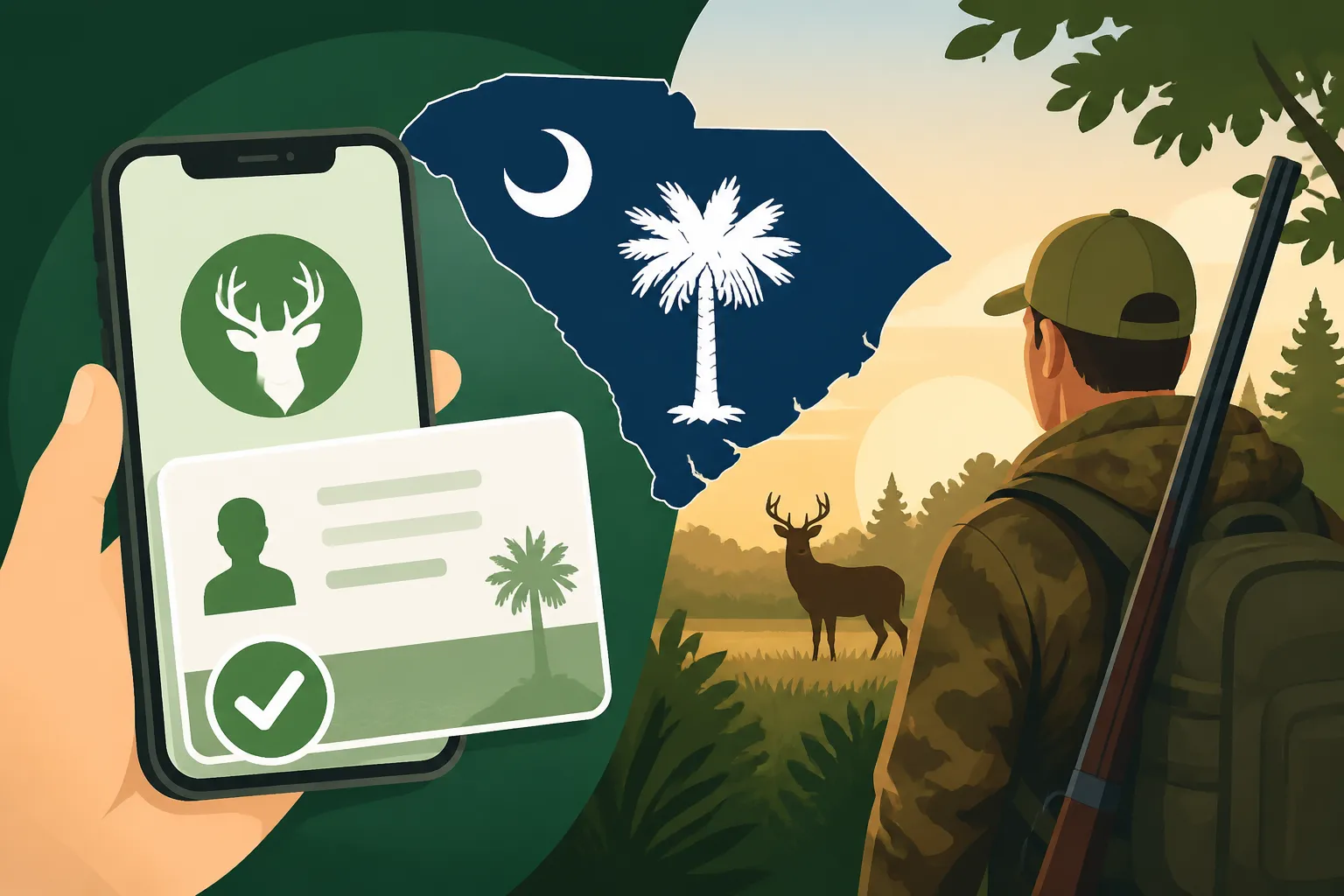
It's absolutely critical to have proof of your valid hunting license and any required permits with you whenever you're hunting in South Carolina. A game warden can and will ask to see it. While many states now allow digital proof, such as displaying your license on your smartphone, it's always wise to have a physical backup. The Go Outdoors SC system allows you to print a copy of your license directly from your account. Print it out, fold it up, and keep it in your wallet or hunting vest. This way, if your phone battery dies or you lose signal, you still have tangible proof.
For many hunters, the ease of access via a smartphone app is a game-changer. The Go Outdoors SC app often allows you to download your licenses directly to your device, making them accessible even without cell service. However, relying solely on your phone can be risky in remote areas. Imagine being deep in the Sumter National Forest, out of cell range, only to realize your phone is dead. Having that paper copy can save you a potential citation. Always err on the side of caution and have multiple forms of proof ready.
Linking Your License to Mobile Devices
One of the most convenient features of the Go Outdoors SC system is its integration with mobile applications. After you've purchased your licenses online, you can typically access and display them through the official "Go Outdoors SC" app on your smartphone. This means you don't necessarily have to carry a physical paper copy, though, as mentioned, it's still a good idea as a backup. To link your license, you'll usually download the app, log in using the same credentials you created on the website, and your purchased licenses should automatically populate in your profile.
This digital access is incredibly helpful for quickly referencing season dates, bag limits, or WMA rules when you're out in the field. It also serves as convenient proof of your license should a game warden request it. Just make sure your phone is charged and protected from the elements. Apps like GoHunt, while not for purchasing licenses, can be paired with the official Go Outdoors SC app to combine your license information with detailed mapping and scouting tools, creating a truly digital hunting toolkit. Being able to quickly show your license on your phone is a huge time-saver and keeps your paper copy pristine for emergencies. Remember that understanding South Carolina's Four Game Zones can also be easily done using the maps provided within these apps.
Printing and Safekeeping Your Documents
Even with digital options, printing and safekeeping your hunting documents is a practice every responsible hunter should adopt. Once you've completed your purchase on Go Outdoors SC, there will be an option to print your license. Don't just click out of the page; take a moment to print it. Consider printing several copies: one for your hunting wallet, one for your truck, and one to keep at home with your other important outdoor documents. These paper copies are invaluable if you ever run into technology issues in the field, or if you need to quickly reference your license number for things like harvest reporting.
Furthermore, some physical tags, particularly for deer, must be carried with you and properly attached to your harvested animal immediately after the kill. While the SCDNR has moved towards digital tagging in some instances, always check the current year's regulations to confirm what physical tags you need to carry. Safekeeping also extends to your past licenses and permits. While Go Outdoors SC maintains a digital history, having physical copies of previous years' licenses can be useful for your personal records, especially if you ever need to demonstrate a history of hunting activity or residency. Ensure these documents are kept in a dry, safe place away from moisture and pests.
Important License Details and Requirements
A successful hunt starts with a valid license, but knowing the nuances of what those licenses entail is just as important as having them.
License Validity and Renewal Cycles
South Carolina hunting licenses typically operate on an annual cycle, usually from July 1st to June 30th of the following year. This means that if you purchase a license in September, it will still expire on June 30th, not a full year from your purchase date. It’s a common misconception that catches many hunters off guard, leading to expired licenses if they’re not careful. Always be aware of the renewal period, usually in late spring or early summer, to ensure you're covered for the upcoming hunting seasons. The Go Outdoors SC system will often send out email reminders when your license is nearing its expiration, which is a helpful nudge.
Understanding this cycle is crucial, especially when planning your hunts across different calendar years. For example, if you plan to hunt the late season in January (which falls into a new calendar year) but purchased your license in the previous August, you need to ensure your license is valid for the new July 1st to June 30th cycle. Our guide on How Long a South Carolina License Stays Valid provides an in-depth look at these specifics. Keeping track of your license's validity is a fundamental responsibility that prevents legal issues and ensures continuous access to your favorite hunting grounds.
Special Permits and Endorsements to Consider
Beyond the core hunting and big game permits, South Carolina offers various specialized endorsements and permits that might be necessary depending on your specific hunting interests. For instance, if you're passionate about waterfowl hunting, you'll need the federal duck stamp and the state Migratory Bird Permit. These aren't included with the standard big game permit and must be purchased separately. Similarly, specific quota hunts on certain WMAs, like those found in the ACE Basin, often require a successful application in a draw system, which is a different process than simply purchasing a permit.
If you’re interested in hunting particular species like bear, you'll need a specific South Carolina Bear Tag Requirements in addition to your Big Game Permit. These specialized tags are often limited in number and have specific application periods. Even for general deer hunting, you might consider purchasing additional bonus antlerless tags if you're a resident and want to take more does. Always consult the current year's hunting regulations booklet or the SCDNR website for the most up-to-date information on these special requirements. Overlooking a crucial permit can lead to fines and a ruined hunting trip.
Hunter Education and Apprentice License Rules
For those new to hunting, or those moving to South Carolina from another state, understanding the hunter education requirements is paramount. Generally, anyone born after June 30, 1979, must complete a hunter education course before they can purchase an annual hunting license in South Carolina. This course covers firearm safety, wildlife identification, hunting ethics, and South Carolina hunting laws. The Go Outdoors SC system will prompt you for your hunter education certification number if you fall into this age bracket.
However, South Carolina does offer an "Apprentice Hunter License" for those who haven't completed hunter education yet. This license allows individuals to hunt under the direct supervision of a licensed adult mentor, providing a great opportunity to gain experience in the field. This is an excellent pathway for newcomers to get started while they work towards their full hunter education certification. Our detailed guide on South Carolina Apprentice Hunter License Rules provides all the specifics you'll need. Always ensure you comply with these rules to keep yourself and those around you safe, and to avoid any legal issues while hunting.
Maximizing Your Go Outdoors SC Experience
Go Outdoors SC isn't just a place to buy licenses; it's a comprehensive portal for all your South Carolina hunting needs. Taking advantage of its other features can significantly enhance your outdoor experience.
Using the Map Tool for Public Land
Beyond license purchases, the Go Outdoors SC platform often includes interactive map tools that are invaluable for public land hunters. These maps typically overlay WMA boundaries, public access points, and sometimes even specific regulations for different sections of national forests or wildlife refuges. For someone planning a trip to the Francis Marion National Forest or a similar WMA, this tool can be a game-changer for scouting from your home computer. You can identify potential access roads, parking areas, and even locate specific habitat types like clear-cuts or hardwood bottoms that might hold game.
While these online maps are incredibly useful for initial planning, always remember to pair them with a dedicated GPS unit or a more robust mapping app like GoHunt when you're actually in the field. Cell service can be spotty in many of South Carolina's remote hunting areas, making online maps unreliable. However, using the Go Outdoors SC map tool in conjunction with the Scouting South Carolina Public Land Before Season knowledge can give you a significant advantage, helping you locate prime areas and plan your routes efficiently. It allows you to visualize your hunting area and understand its nuances before you ever set foot on the ground.
Applying for Quota Hunts and Special Draws
Many of South Carolina's most coveted hunting opportunities, especially for big game in high-demand areas or on specific Wildlife Management Areas, are managed through a quota hunt or special draw system. These aren't simply licenses you can purchase; they require an application within a specific window, followed by a lottery-style drawing. The Go Outdoors SC platform is where you'll find information on these draws and submit your applications. Popular examples include certain deer or turkey hunts on specific WMAs like Donnelley WMA or Webb Wildlife Management Area, which limit hunter numbers to control pressure and enhance experience.
It’s crucial to pay close attention to the application periods and deadlines for these hunts, as they are often rigid and missed deadlines mean missing out for the entire season. The Go Outdoors SC website usually has a dedicated section for "Managed Hunts" or "Quota Hunts" where you can view available hunts, check your eligibility, and submit your application. While applying for a quota hunt doesn't guarantee you a spot, it gives you a chance at some of South Carolina's premier hunting experiences. Our article on South Carolina WMA Quota Hunt Sign-In Process offers more insight into how these managed hunts operate.
Staying Informed with SCDNR Updates
The Go Outdoors SC platform is also a hub for official SCDNR news and updates. Hunting regulations aren't static; they can change from year to year based on wildlife population trends, research, and public input. Checking the "News" or "Alerts" section of the Go Outdoors SC website regularly, or signing up for their email newsletters, is the best way to stay informed about any changes to season dates, bag limits, or specific area regulations. This is particularly important for species like turkey, where there have been recent changes regarding Jake harvest, or for understanding the latest on South Carolina Deer Season Structure Explained.
Ignoring these updates can lead to inadvertent violations of the law, which is something no ethical hunter wants. The SCDNR uses this platform to disseminate critical information about wildlife health (like CWD monitoring or EHD outbreaks), public land closures, and upcoming events. Think of it as your direct line to the state's wildlife management agency. Regularly checking Go Outdoors SC ensures you're always operating within the most current legal framework and are aware of any factors that might impact your hunting plans. It's a key part of being a responsible and knowledgeable hunter in South Carolina.
Disclaimer
This guide is intended for informational purposes only and does not constitute legal advice. While we strive to provide accurate and up-to-date information, hunting regulations and license requirements in South Carolina can change. Always consult the official South Carolina Department of Natural Resources (SCDNR) website and the current year's hunting regulations booklet for the most authoritative and precise information before engaging in any hunting activities. Adherence to all state and federal laws is the responsibility of the individual hunter.