Reporting a Deer Through South Carolina Game Check
It can feel like you've done all the hard work when you finally tag a deer in South Carolina – the scouting, the waiting, the shot, and the recovery. But before you can truly celebrate and start processing that venison, there's one crucial step often overlooked or misunderstood: reporting your harvest through the South Carolina Game Check system. This guide will demystify the process, walking you through everything you need to know to report your deer accurately and efficiently, ensuring you stay legal and contribute to vital wildlife management efforts.
Why Deer Reporting Matters in South Carolina
You might wonder why, after all the effort, the state needs to know about your deer. It's not just bureaucratic red tape; the South Carolina Department of Natural Resources (SCDNR) relies heavily on harvest data to make informed decisions that directly impact the health and future of our deer herd. This isn't just about counting deer; it's about understanding trends, managing populations, and safeguarding the hunting heritage we all cherish.
Understanding Deer Population Dynamics
Every deer reported via Game Check provides a valuable data point. When thousands of hunters contribute this information, the SCDNR can compile a comprehensive picture of the statewide deer population. They look at overall harvest numbers, breakdown by sex and age class, and even antler statistics. This data helps biologists estimate deer density in different regions, identify areas where populations might be increasing or decreasing, and understand how various factors like habitat changes or predator numbers are influencing the herd. For example, if harvest numbers for does are consistently high in a particular game zone, it might indicate a robust population that can sustain that level of harvest, or conversely, if buck harvest numbers drop significantly, it could signal a need for closer examination. It's how the state fine-tunes regulations, ensuring a sustainable future for deer hunting. It helps inform decisions on things like the statewide antlered bag limit and how many antlerless deer you can take per day.
Monitoring for Chronic Wasting Disease CWD
Perhaps one of the most critical reasons for the Game Check system is disease monitoring, particularly for Chronic Wasting Disease (CWD). While South Carolina has been incredibly fortunate to remain CWD-free, the threat is always present, especially with infected deer found in neighboring states. Reporting your harvest, especially if you plan to submit samples, is a crucial part of the state's proactive surveillance program. The harvest location data entered into Game Check allows SCDNR to target specific areas for CWD sampling if a concern arises or to simply get a broad sample across the state. This helps them monitor for CWD every year, allowing for early detection which is paramount in preventing the spread of this devastating neurological disease. It's a collective effort, and every reported deer, even if not sampled, helps paint a clearer picture of the herd's health and distribution across our diverse landscapes, from the coastal plains to the foothills.
How to Use the South Carolina Game Check System
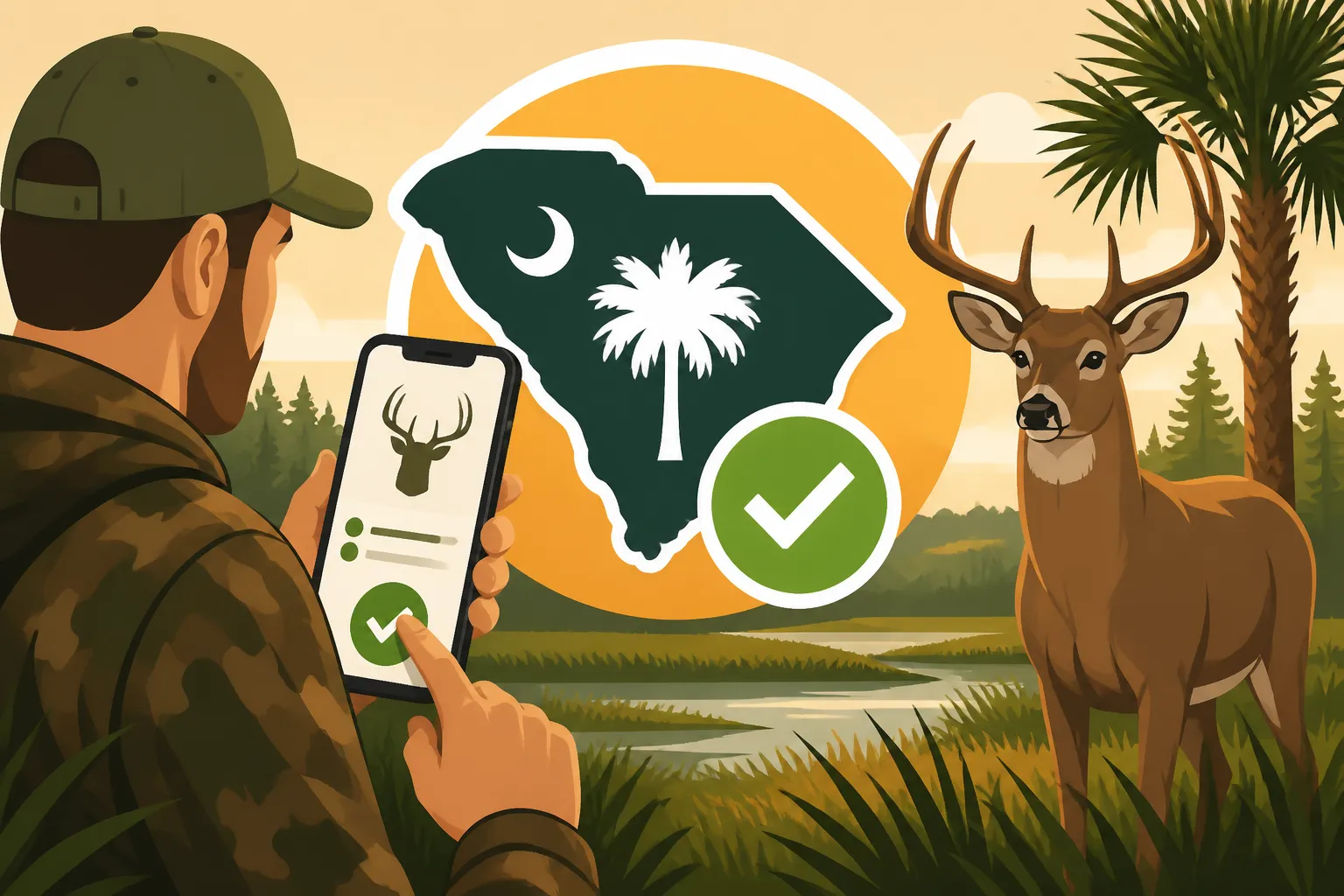
The South Carolina Game Check system is designed to be relatively straightforward, allowing hunters to report their harvest quickly and efficiently. You have a couple of primary methods at your disposal: using the Go Outdoors SC mobile app or accessing the web portal directly. Both methods require similar information, but one might be more convenient depending on your location and cell service when you make the kill.
Reporting via the Go Outdoors SC App
For many hunters, especially those afield, the Go Outdoors SC mobile app is the most convenient way to report a deer. Once you’ve downloaded the app to your smartphone or tablet, you'll need to log in using your customer ID and password, which are the same credentials you use for the online licensing portal. Make sure you do this before you head out, as cell service can be spotty in some of our prime hunting areas. There's nothing worse than having a tagged deer on the ground and realizing you can't log in!
Once logged in, look for the "Game Check" or "Harvest Report" section within the app. You'll then be prompted to select the type of game harvested – in this case, deer. The app will guide you through a series of fields to input details about your harvest. This includes the date and time of the kill, the county where the deer was harvested, whether it was taken on private land or a Wildlife Management Area (WMA), and critical details about the deer itself, such as sex and the number of antler points if it's an antlered buck. Having your physical deer tag readily available is important because you’ll need to input the tag number that corresponds to the deer you harvested. The app often uses GPS on your phone to help pinpoint the location, which is a neat feature for accuracy. However, remember that using the Go Outdoors SC app without cell service can be tricky for the reporting function, so plan accordingly by finding an area with signal or using the paper method first.
Using the Online Web Portal
If you prefer to wait until you're home or if you don't have a smartphone, the online web portal is an equally effective way to report your deer. You can access the Game Check portal directly through the SCDNR website. Just like the app, you'll need your customer ID and password to log in. This method is often preferred by those who might have limited data plans or simply prefer the larger screen of a computer for data entry.
Once on the web portal, navigate to the Game Check section. The process mirrors the app closely: select "deer" as the harvested species and proceed to fill out all the required fields. You’ll input the same information – date, time, county, land type (private or WMA), sex, and antler points. Again, having your physical deer tag with its unique number is essential for accurate reporting. The web portal is robust and generally very user-friendly, offering clear prompts for each piece of information. Just ensure you have a stable internet connection to avoid any submission errors. After successful submission, both the app and the web portal will provide a confirmation number, which you should record for your records, especially if you need to revisit the harvest later.
Paper Reporting and Subsequent Entry
While digital reporting is the primary method, sometimes technology fails, or you might be hunting in an extremely remote area with no signal for miles. In these situations, it's wise to carry a pen and paper or a small notebook to record all the necessary harvest information immediately after the kill. Treat it like a field-dressing checklist: date, time, county, land type, sex, antler points, and especially the unique tag number.
You still must eventually enter this information into the Game Check system, either through the app or the online portal, as soon as you are able to get to a reliable connection. Think of the paper record as a temporary placeholder that ensures you capture all the details correctly while in the field. This also helps with legal compliance, as you’ll have the information recorded, even if you can’t immediately submit it electronically. This approach is especially important for those who spend time in the deeper recesses of places like the Francis Marion National Forest or the expansive Sumter National Forest, where cell coverage can be non-existent.
Key Details You Need Before Reporting
The success of your Game Check submission hinges on having all the necessary information readily available. Rushing the process can lead to errors, which can complicate management data and, in some cases, even raise compliance questions. Being prepared means having your license, tags, and knowledge of the harvest details at your fingertips.
Your Hunting License and Deer Tags
First and foremost, you need your South Carolina hunting license and big game permit. When you log into the Game Check system, your account will be linked to your license, verifying you are a legal hunter. More critically, you’ll need the specific deer tag you affixed to your harvested animal. Each deer tag has a unique identification number printed on it. This number is paramount for reporting as it links your specific harvest to your license and your allotted tags.
Before you even head into the woods, make sure you understand the rules around your tags. For example, knowing the South Carolina deer season structure explained, especially which of South Carolina's four game zones you're hunting in, will dictate which tags are valid at what time. You should always carry proof of license on your phone or a physical copy. When you harvest a deer, immediately fill out the tag information, attach it to the deer, and then make a note of that tag number for your Game Check report. This quick action ensures you don't forget which tag was used or misplace the vital numbers.
Harvest Location and Land Type
Another crucial piece of information is the precise location where you harvested the deer. Game Check will ask for the county, but you also need to specify the land type: private land or a specific Wildlife Management Area (WMA). This distinction is vital for SCDNR biologists to understand harvest pressure and population trends across different land management types.
If you’re hunting on private land, simply select "private." If you're on a WMA, you'll likely have a dropdown menu to choose the specific WMA. Many hunters use mapping applications like GoHunt to scout public land areas and mark their stands, which also makes pinpointing the harvest location for Game Check incredibly easy. Knowing whether you're Hunting the Earliest Coastal Zone Opener or deep in the Upstate makes a big difference to the data gathered by the SCDNR. The more precise you can be, the better the data for state wildlife managers.
Deer Specifics: Sex and Antler Points
Finally, you'll need to accurately describe the deer itself. This includes its sex (male or female) and, if it's an antlered buck, the number of antler points. This information helps biologists track the buck-to-doe ratio and assess the age structure of the deer herd. For an antlered deer, you'll count all points that are at least one inch long. Be honest and accurate here; it's not about making your buck sound bigger than it is.
The integrity of this data is what allows SCDNR to monitor population health and adjust regulations if needed, such as when they consider potential antler point restrictions. This detailed breakdown allows them to differentiate between a mature buck, a young spike, or an antlerless deer, all of which provide unique insights into the overall herd.
| Information Category | Required Details | Importance for SCDNR |
|---|---|---|
| Hunter ID | Customer ID, License Number | Verifies hunter eligibility, links harvest to individual |
| Deer Tag | Unique Tag Number | Tracks individual tags, ensures legal harvest within limits |
| Harvest Date/Time | Month, Day, Year, Time | Seasonal harvest trends, daily activity patterns |
| Location | County, Land Type (Private/WMA) | Geographic distribution, land-use impact on deer |
| Deer Sex | Male (Buck), Female (Doe) | Population sex ratio, reproductive health |
| Antler Points | Count (if antlered buck) | Age structure of buck herd, antler development trends |
| Confirmation | Confirmation Number | Proof of reporting, essential for record-keeping |
Common Challenges and Troubleshooting with Game Check
Even with a straightforward system like Game Check, hunters can sometimes encounter issues. From technological glitches to forgotten details, these challenges can be frustrating when you're just trying to get your harvest reported. Knowing how to troubleshoot these common problems can save you a headache and ensure you remain compliant.
Lack of Cell Service or Internet Connectivity
This is probably the most common hurdle for hunters in many parts of South Carolina, especially when you're hunting the Lowcountry swamp deer or deep in the mountains of the Upstate. You might have your deer on the ground, ready to report, only to find you have no signal. This is where the paper reporting method discussed earlier becomes your best friend.
Always carry a notepad and pen, and meticulously record all the required details: date, time, county, land type (private or specific WMA), sex, antler points, and the unique deer tag number you used. Then, as soon as you drive into an area with reliable cell service or get home to Wi-Fi, immediately access the Go Outdoors SC app or the online web portal and submit your report. The system allows you to report past harvests within a reasonable timeframe, but it's always best to do it as soon as possible to avoid forgetting. If you're worried about losing your license info, remember that carrying proof of license on your phone is usually sufficient, but having a physical copy for reference when out of service can be a lifesaver.
Incorrect or Missing Information
Sometimes, in the excitement of the moment, or perhaps due to fatigue, hunters might inadvertently enter incorrect information or overlook a required field. This could be anything from miscounting antler points to selecting the wrong county. While the system usually has error checks for required fields, it can't always verify the accuracy of the data itself.
If you realize you’ve made a mistake after submitting your report, don't panic. The best course of action is to contact the SCDNR Game Check support line or your local SCDNR office as soon as possible. Explain the situation clearly, providing your confirmation number and the correct details. They can often amend the report for you. It's far better to proactively correct an error than to leave incorrect data in the system. Double-checking your entered information before hitting "submit" is always a good practice, especially the unique tag number, as this is how the system tracks your legal harvest and ensures you're within the South Carolina deer reporting requirements.
Forgetting to Report a Harvest
Life happens, and sometimes, in the rush of butchering, celebrating, or simply returning to daily routines, a hunter might genuinely forget to report a deer. While it's crucial to report every harvested deer, forgetting to do so can happen. The South Carolina Deer Reporting Deadline is typically 24 hours after the harvest, so it's a tight window.
If you realize you’ve missed the deadline, you should still submit the report as soon as you remember. While consistent, willful non-reporting can lead to penalties, an honest oversight that is quickly rectified is often treated with understanding. The key is to be proactive once you realize the mistake. The SCDNR wants the data, and reporting late is always better than not reporting at all. Make it a habit to report your deer as part of your post-harvest routine, perhaps right after you've field-dressed it and before you even start the drive home. Set a reminder on your phone or incorporate it into your deer camp traditions to ensure no deer goes unreported.
Disclaimer
Please remember that hunting regulations can change. Always consult the most current South Carolina Department of Natural Resources (SCDNR) regulations guide before heading afield to ensure you are up-to-date on all laws and requirements. This guide is for informational purposes only and should not replace official SCDNR documentation.